
Introduction
Purple dots appearing on your phone screen can be both annoying and concerning, disrupting your daily experience with your device. These imperfections can originate from a variety of causes, ranging from minor software issues to significant hardware malfunctions. By addressing these problems promptly, you prevent further deterioration and ensure optimal functionality. This blog will guide you through understanding these issues and provide solutions to restore your screen’s clarity.

What Are Purple Dots on Phone Screens?
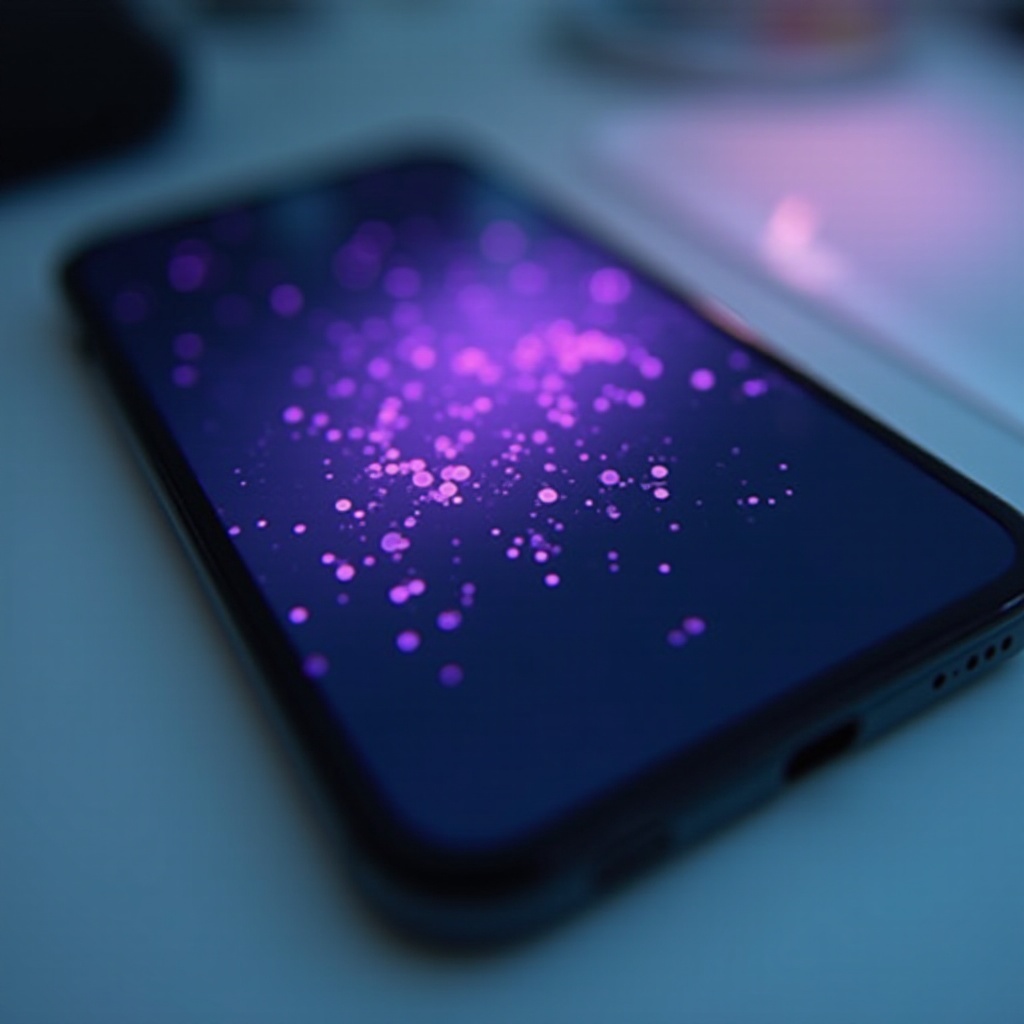
Purple dots, often referred to as ‘pixel anomalies’ or ‘dead pixels’, manifest as small discolorations disrupting the uniformity of your screen display. Rather than the vibrant hues you expect, these dots can significantly impair your viewing experience. Recognizing these anomalies early is crucial, as they might be indicative of underlying issues that could further compromise screen quality if left unaddressed.
Understanding the nature and presentation of purple dots sets the stage for effective troubleshooting. With a clear grasp of their characteristics, you can better navigate potential solutions.
Causes of Purple Dots on Your Phone Screen
Various factors contribute to the appearance of purple dots on your screen. Determining the root cause is vital for choosing the appropriate remedy.
- Hardware Issues: Physical damage, such as a drop or pressure on the screen, can lead to these pixel problems. Additionally, manufacturing defects, while rare, can sometimes result in display anomalies right out of the box.
- Software Glitches: In some cases, the issue may stem from software conflicts. Temporary bugs introduced by system updates or app incompatibilities can cause pixel irregularities.
A clear understanding of whether the problem is hardware-related or software-induced will guide the process of selecting the right solution.
Diagnosing the Issue
Proper diagnosis is a critical step before proceeding to solutions.
- Visual Inspection: Check your phone for any signs of physical damage like cracks or indentations that might affect the screen’s structural integrity.
- Diagnostic Tools: Utilize built-in diagnostic tools or third-party apps to assess your screen’s health and pinpoint where the anomaly occurs on your device.
Once you’ve diagnosed whether the problem is rooted in hardware or software, you can confidently move forward with appropriate solutions.
Solutions to Fix Purple Dots
Restoring your screen’s normal function may involve simple fixes or more intensive interventions.
- Basic Troubleshooting Steps:
- Restart the Device: Often, rebooting your phone can resolve transient software glitches affecting the screen.
-
Safe Mode Boot: Boot your device in safe mode to check if any third-party apps are causing the display issues, as only essential system applications will be operational in this mode.
-
Software Fixes:
- Update System Software: Maintaining up-to-date software is crucial for fixing bugs that can cause display problems.
-
Factory Reset: If all else fails and if software is the confirmed culprit, a factory reset may resolve deep-seated software issues. Remember to back up your data before proceeding.
-
Hardware Solutions:
- Screen Repair Options: For persistent hardware-related dots, consult professional repair services to evaluate and correct the issue.
- Damage Prevention Techniques: Equip your phone with protective gear such as screen protectors and sturdy cases to guard against future damage.
By taking these steps, you often can resolve the dots issue without needing further assistance. Yet knowing when a problem requires professional attention is just as critical.
When to Seek Professional Help
If purple dots remain present despite applying suggested fixes, or if there is visible, significant damage, it may be time to seek professional help. Expert technicians can diagnose the issue accurately and offer solutions for hardware-related problems. Choose certified repair centers to ensure quality service and maintain any applicable warranties.
This action not only addresses the current display defect but also helps avoid future complications that might arise from unresolved problems.
Preventive Measures for Screen Health
To minimize the likelihood of recurring issues, adopting preventive measures can help maintain your phone’s screen condition.
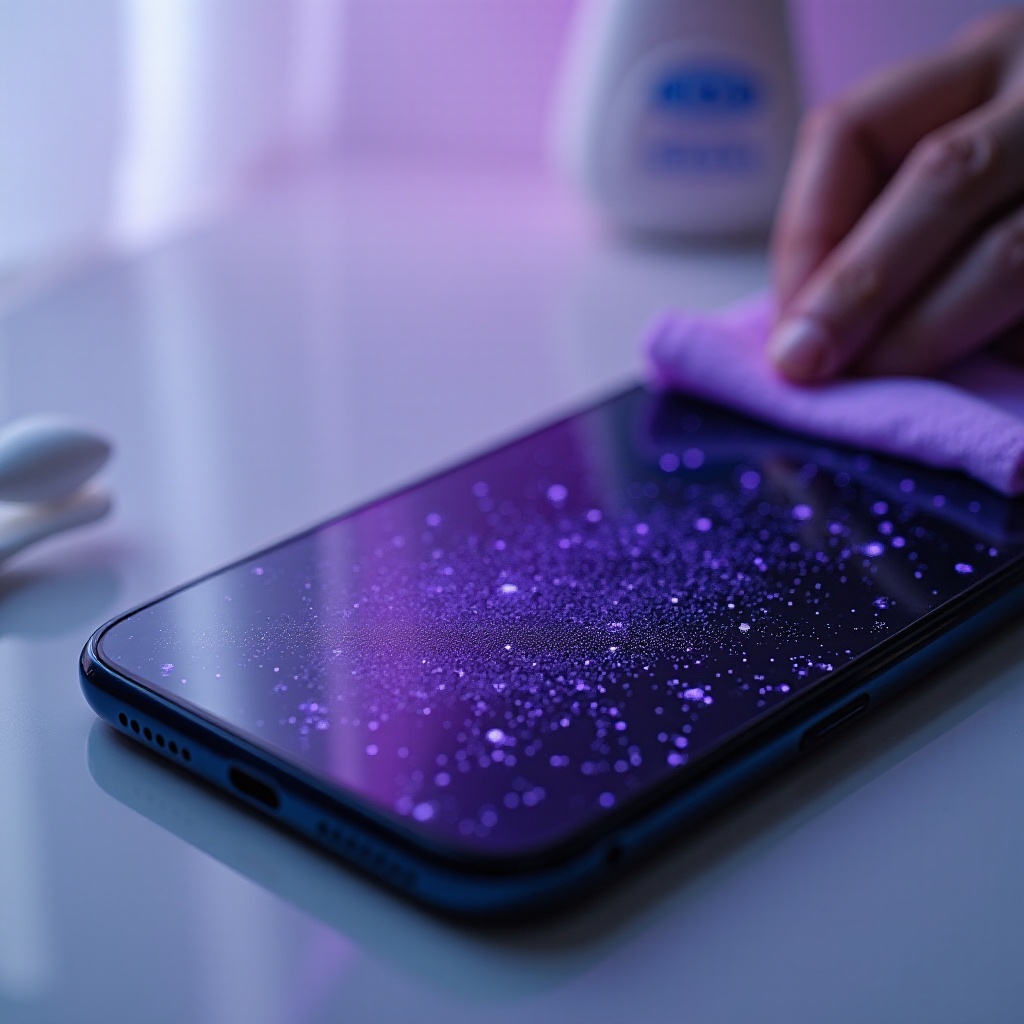
- Use high-quality screen protectors to shield against scratches and impacts.
- Invest in durable phone cases to protect against falls and bumps.
- Avoid exposing your phone to extreme temperatures, which can negatively impact screen performance.
By integrating these habits into your phone maintenance routine, you can effectively safeguard your device from potential pixel issues.
Conclusion
Purple dots on a phone screen can serve as a minor annoyance or a warning sign for larger issues. By grasping the causes and applying the right remedies, you can restore your screen’s vibrant functionality effectively. If basic troubleshooting doesn’t work, enlisting professional help ensures your phone gets the necessary care. Moreover, adopting preventive habits can significantly extend the life of your device’s screen and overall performance.
Frequently Asked Questions
Can I fix purple dots on my phone screen myself?
Yes, performing basic troubleshooting and software updates can often fix minor issues. However, severe cases may require professional repair.
Are purple dots on the screen a sign of a serious problem?
Not necessarily. While they can indicate hardware damage, they can also result from temporary software glitches.
How much does it typically cost to repair a phone screen with purple dots?
Repair costs depend on the damage severity and phone model. Professional repair services can provide accurate estimates after assessment.