
Introduction
The Xbox One delivers thrilling gaming experiences, but hardware hiccups like a malfunctioning disk drive can disrupt that fun. From the console not reading discs to an unresponsive drive, these issues can seriously interfere with your gaming. By learning how to fix your Xbox One disk drive, you can quickly get back to enjoying your favorite games. Let’s dive into diagnosing and resolving these disk drive troubles together.
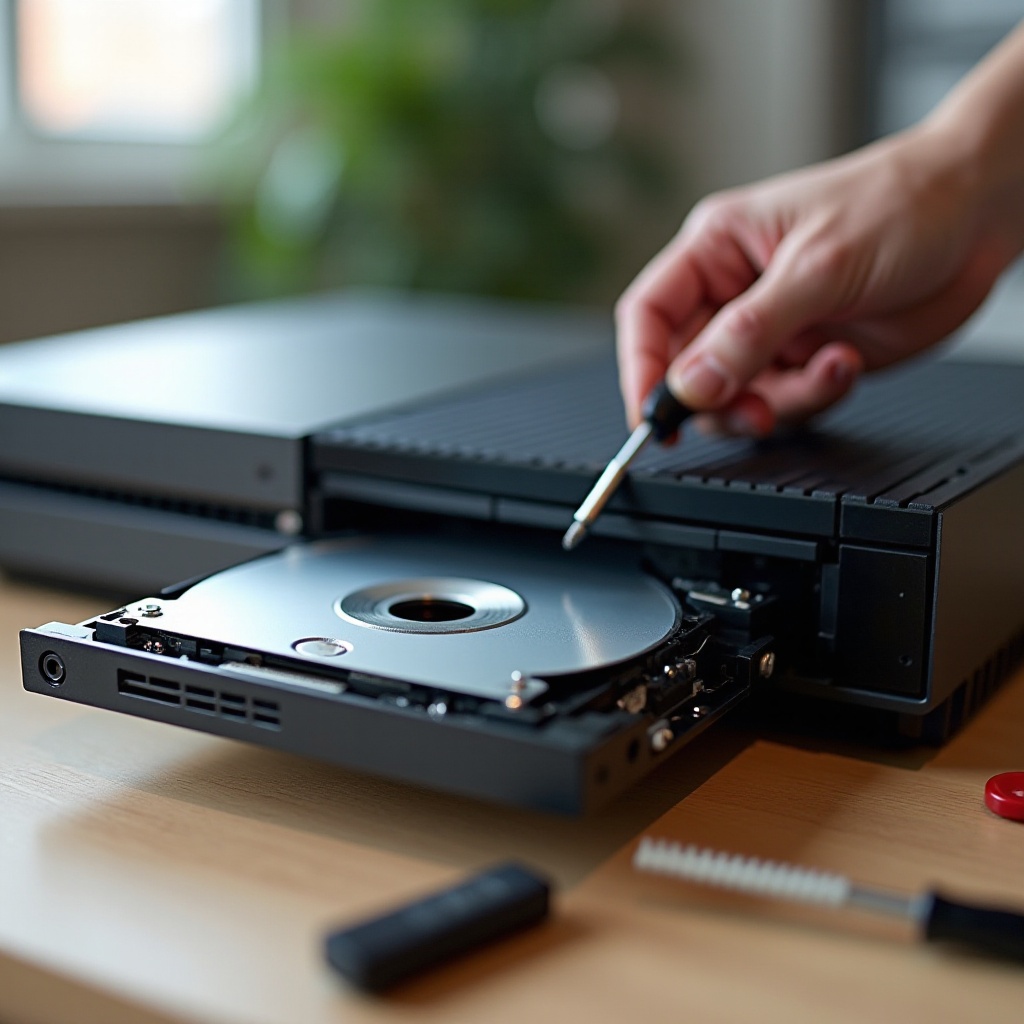
Identifying Xbox One Disk Drive Problems
Recognizing disk drive issues is the first step towards resolving them. Symptoms may include the console’s failure to read discs, unusual grinding noises, or an unresponsive drive that won’t open or close. Sometimes, error messages accompany these issues, pointing towards disk drive problems.
Understanding these symptoms helps pinpoint whether it’s a disk drive dilemma or another part of your Xbox setup. Dust buildup, wear over time, or loose components often cause hardware issues. Additionally, software glitches might mimic hardware failures, adding complexity to troubleshooting. Knowing the potential problem sets the stage for effective problem-solving.
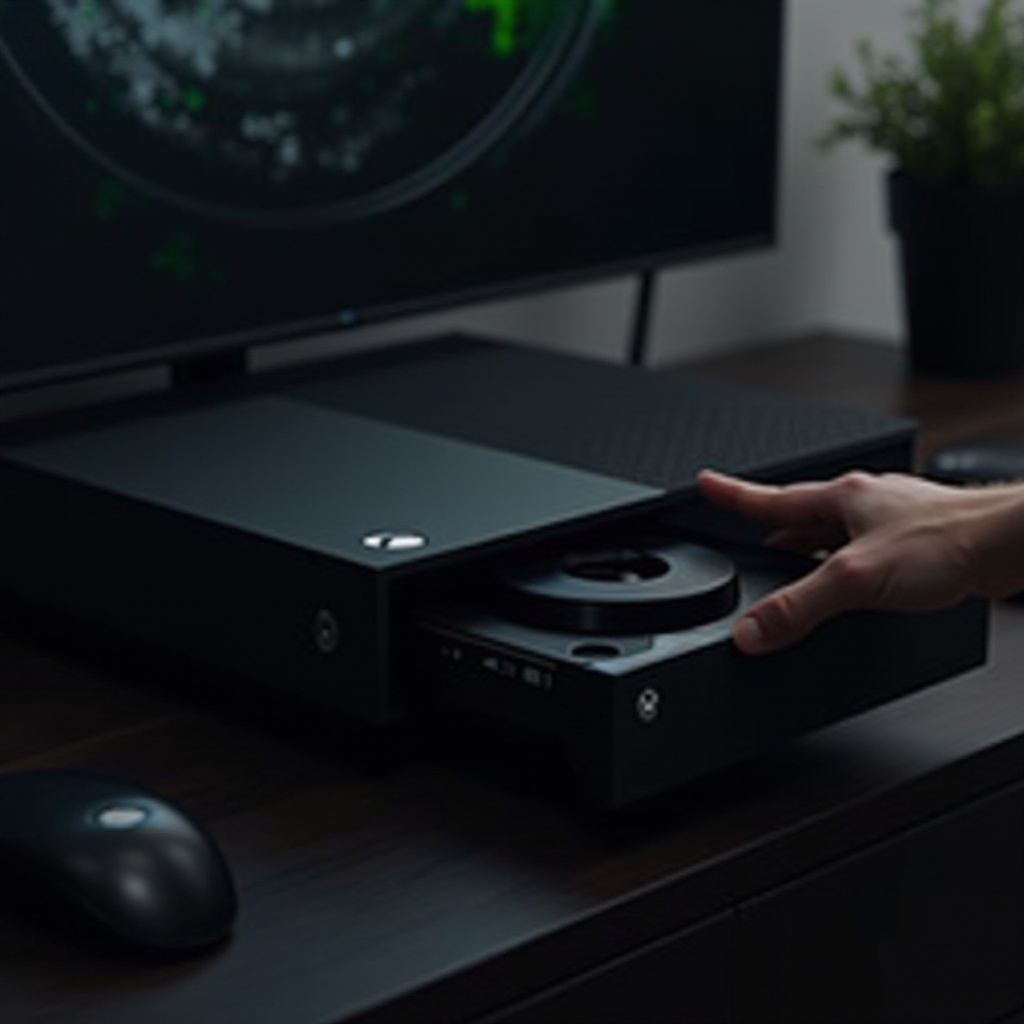
Basic Troubleshooting Steps
Address many Xbox One disk drive issues with these simple troubleshooting steps:
-
Restart the Console: Power off your Xbox One completely. Unplug it, wait for 30 seconds, then plug it back in and turn it on. This process can resolve minor glitches.
-
Check for System Updates: Make sure your Xbox One has the latest software updates. Go to ‘Settings’ > ‘System’ > ‘Updates & downloads’ to check for updates. Updated software ensures smooth hardware operation.
-
Clean the Disk: Examine the game disc for scratches or dirt. Use a soft, lint-free cloth to clean it, wiping from the center outward to prevent further damage. A clean disc can often resolve reading issues.
Completing these steps usually helps resolve common problems. When issues persist, more advanced approaches may be necessary.
Advanced Fixes for Persistent Issues
If basic troubleshooting doesn’t resolve the disk drive issue, consider these advanced fixes:
-
Manually Eject the Disk: If a disk is stuck, turn off the console. Use a paperclip to press the manual eject button under the disk drive panel. Ejecting a jammed disk can sometimes restore regular operation.
-
Resetting the Xbox One’s Operating System: Navigate to ‘Settings’ > ‘System’ > ‘Console info & updates’. Select ‘Reset console’ and choose ‘Reset and keep my games and apps’. Resetting can solve software-related issues affecting the drive.
-
Testing with a Different Disk: Try another game or media disc. If other discs work, the problem might be with a particular disk. If no discs work, the drive itself might be causing the issue.
Implementing these advanced solutions often tackles persistent issues affordably at home, though sometimes further help is needed.
When to Seek Professional Help
When DIY attempts don’t fix the disk drive issue, consider professional assistance. Check if your Xbox One is under warranty. Self-repair might void this, so weigh the benefits of home repair against professional service. If the warranty has expired, choose licensed repair services with positive reviews.
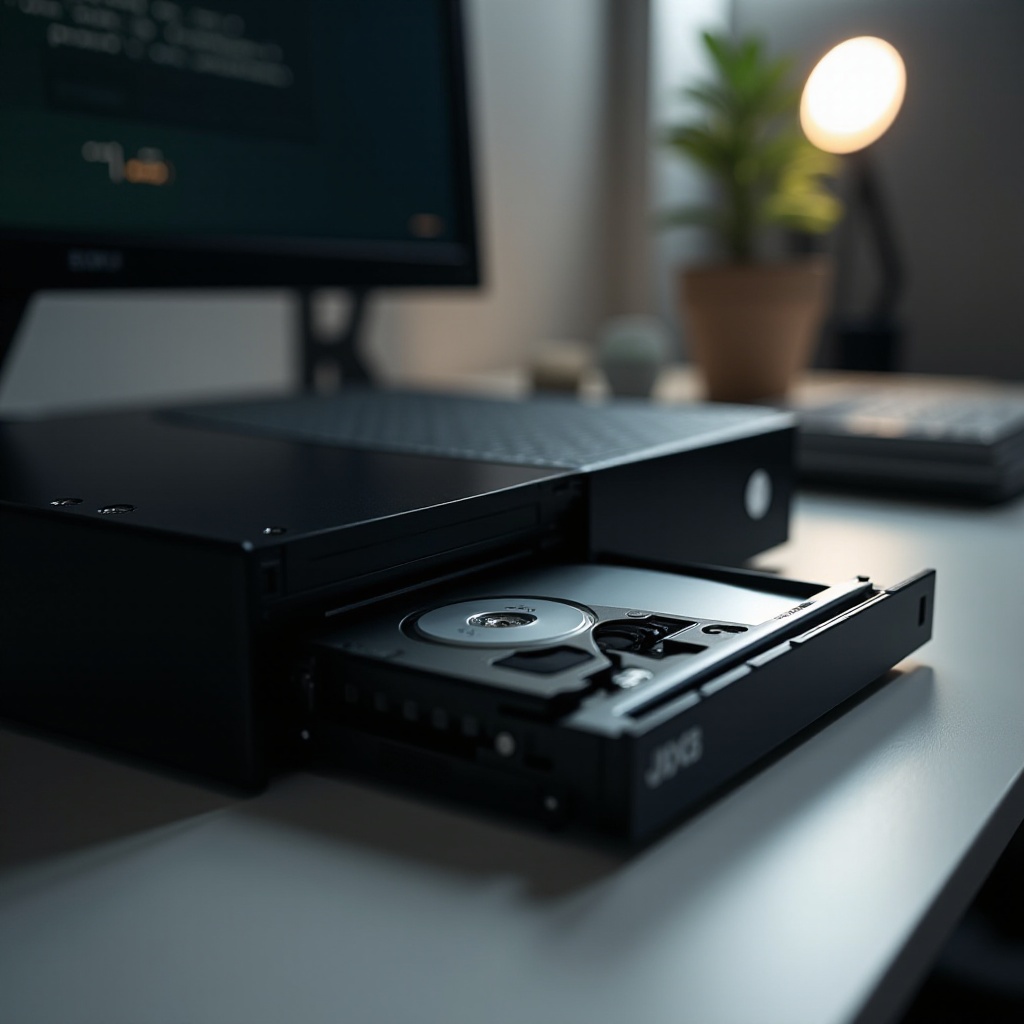
Preventative Maintenance Tips
To avert future disk drive problems, follow these maintenance tips:
-
Keep Your Console Clean: Dust and debris can impair disk drive function. Regularly clean your Xbox and ensure it has ample ventilation to reduce internal dust accumulation.
-
Proper Disk Handling and Storage: Handle discs at the edges to avoid smudges. Store games in their cases away from extreme temperatures and sunlight to maintain their condition.
Integrating these simple maintenance practices ensures your Xbox One remains in top condition for future gaming sessions.
Conclusion
Addressing Xbox One disk drive problems involves both straightforward and advanced solutions that can restore your console’s functionality. By identifying the problem and applying the appropriate steps, you extend your console’s life and ensure a seamless gaming experience. With this guide, confidently tackle disk drive issues and enjoy uninterrupted gaming adventures.
Frequently Asked Questions
How do I know if my Xbox One disk drive is broken?
If your Xbox One fails to read several discs, emits odd noises, or does not respond, the disk drive may be malfunctioning. Follow our troubleshooting guide to confirm.
Can I fix the Xbox One disk drive myself?
Yes, many disk drive issues can be resolved with basic and advanced troubleshooting steps. If problems persist, professional repairs might be necessary.
How much does it cost to repair an Xbox One disk drive?
Repair costs vary based on issue complexity, usually ranging from $50 to $100. Consider repair costs against warranty status and potential upgrades.